
We have been shooting a lot in low light situations lately, everything from moody landscapes in Antartica, aurora in arctic Alaska and wildlife in dark shadowy jungles in Costa Rica. And shooting in low light means dialing up your ISO to get the shot. But we are hearing from photographers online and in person that noise really isn’t an issue anymore, you should just set your ISO to 3200 or higher and shoot away. Can noise software really be that good? Do I need to worry about trying to shoot a lower ISO shot for better image quality? I’ve done Denoise software comparisons in the past, but it seemed like I needed to try this again to see if things have dramatically changed.
First off, remember this guideline…it is better to get a noisy sharp photo than a low noise blurry photo. In other words, use the ISO you need to use to get a fast enough shutter speed to get your shot. I regularly shoot at ISO 3200 and even 6400 if I need it…. for example a toucan in deep shade in Costa Rica. Or maybe ISO 1600 to photograph aurora displays…
For this quick test, I shot the same scene in my backyard at ISO 100 and ISO 6400, the two extremes of ISO I use. Let’s look at these examples and then speculate on lower ISOs and image quality. I used a Z9 with the new 70-200mm F2.8 lens for all the images.
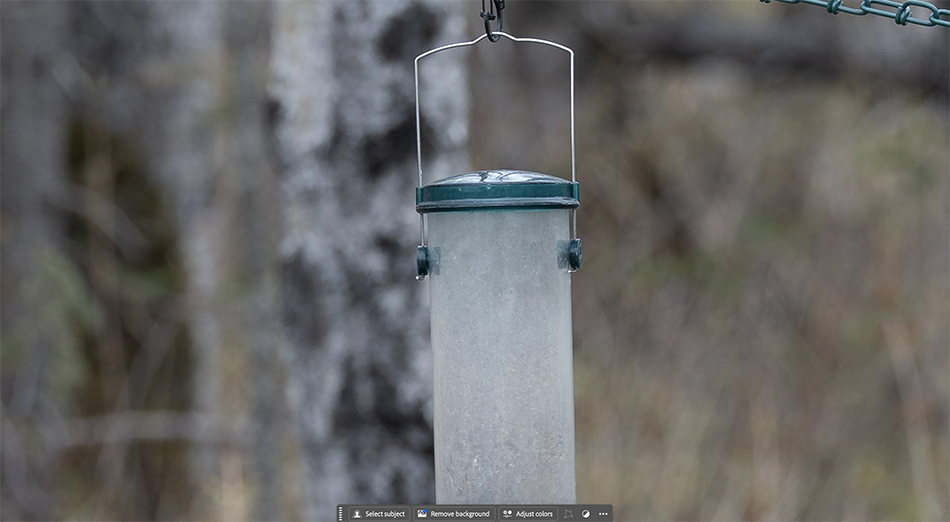
First up, here is ISO 100. Clean and smooth, as you would expect.
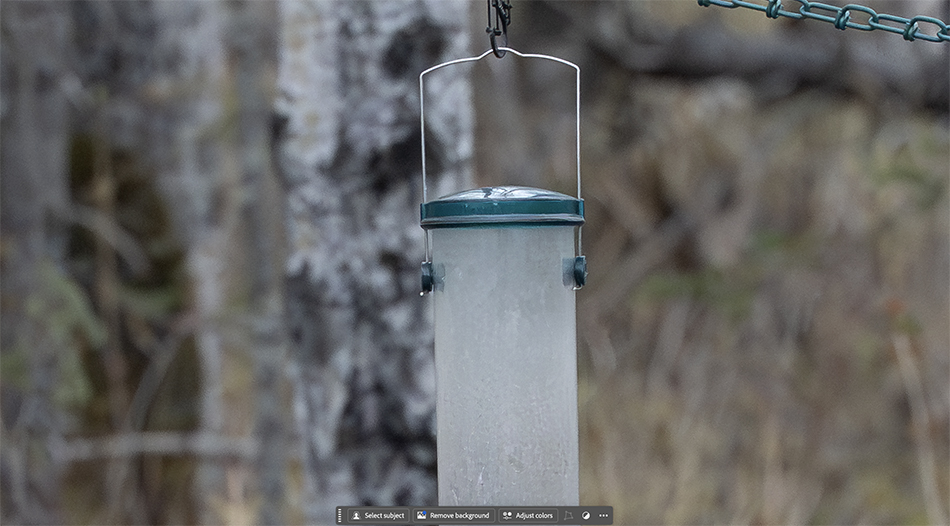
Now let’s look at ISO 6400 of the same shot, with this image being denoised in Adobe ACR. More noise as you would expect.
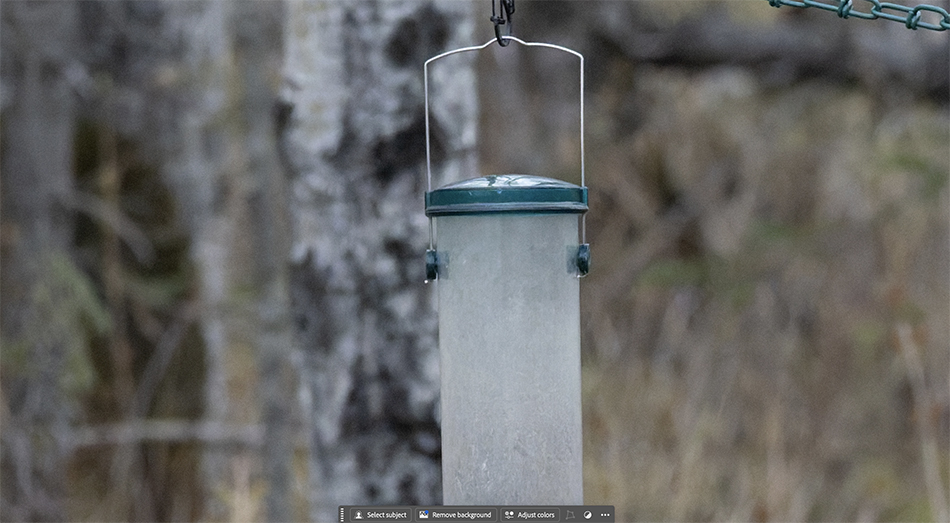
Here is the same shot using DxO noise reduction. More noise than ISO 100…
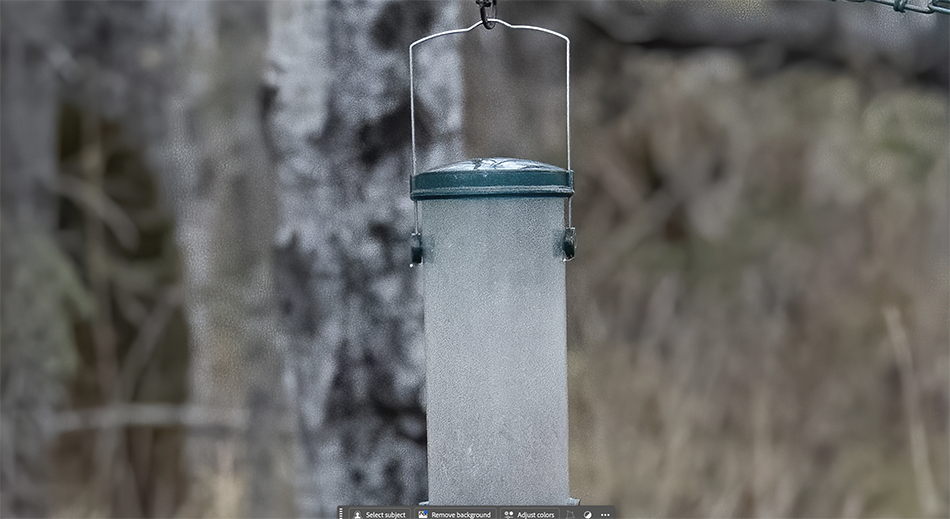
And here is the same shot using Topaz denoise. Smooth in some areas, with noise showing up in other parts (I think this was addressed in a later version). One interesting effect of some of the AI denoising software is it creates textures that weren’t even in the original photo. These are 200 % crops from the original images to help you see the noise. In this example I like the Adobe noise reduction the best. DxO works well with many of my other images I denoise. I don’t have a preference. If Adobe denoise works well I use it since it is in my ACR workflow.
Now we could do lots of tests with ISO 3200, ISO 1600….and also compare to ISO 64, the lowest my Z9 would go. As you would expect lower ISOs would have less noise. But honestly I’m not going to look at every ISO level and how close it comes to ISO 100 on my Z9. The bottom line, even with today’s amazing denoise software, is your native ISO (64 on my Z9/8) produces cleaner images than higher ISO shots using denoise software. This difference in quality will be less obvious as we get to ISO 1600 and lower…always use the lowest ISO you can for the best quality of images.
How does this affect my real world shooting? First off, I use ISO 3200 or higher if I need it for an image. We regularly get these images published in magazines, brochures, calendars and they work fine. Social media, no problem. High ISO works and is an amazing thing in today’s photography world. But if I am going to submit work to high end clients who may use our images as large display prints, or I want to print a large metal print at Bay Photo, I am bringing my ISO down for better quality.
I still regularly lower my ISO to get the best image quality. This comes back to camera craft. It is easy just to leave your ISO on some high number and shoot away all day, but the technical photographer in me knows that better image quality equals lower ISO. Sure denoise software is great, but it is not a silver bullet. If I have a perched bird I may take my first shot at ISO 1600 to get a sharp photo, but then I will start lowering my ISO to get the best image quality I can. If it is a bird in flight, I may have to shoot at 1/2500 and ISO 1600 to get a sharp shot…there isn’t room to keep lowering my ISO since my shutter speed would be too slow.
Your end image use will help you decide what ISO you can use for the quality you need. Embrace the new denoise software and shoot at ISO 3200 or higher when you need to. But don’t forget, your image quality is better when you use lower ISOs…